Unstrung

Your characters. Your computer. Nothing leaves it.

Unstrung is a Windows app for roleplay chat with AI characters. The model that writes their replies runs on your own PC. No account, no cloud, no telemetry.

Download for Windows Windows 10 or 11 · 64-bit · free

A reply from testing, shortened. Ren is one of the starter characters.
Your characters.

Write them, import them, and keep them. Every chat remembers where it was, and you can steer it at any point.

Write or import

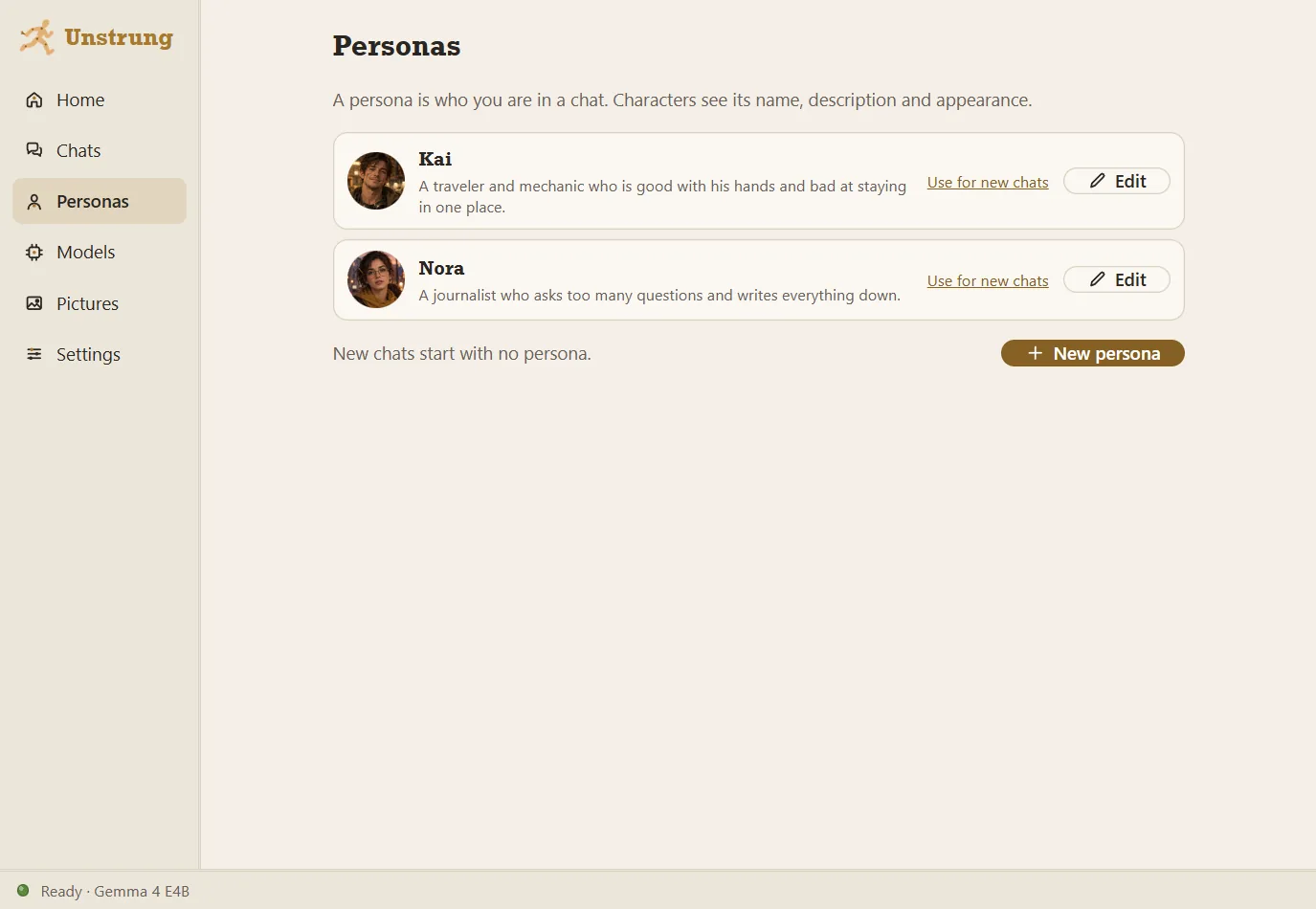
A picture, a personality, a way of talking and a first message. Cards from other apps load as PNG or JSON.

Be someone too

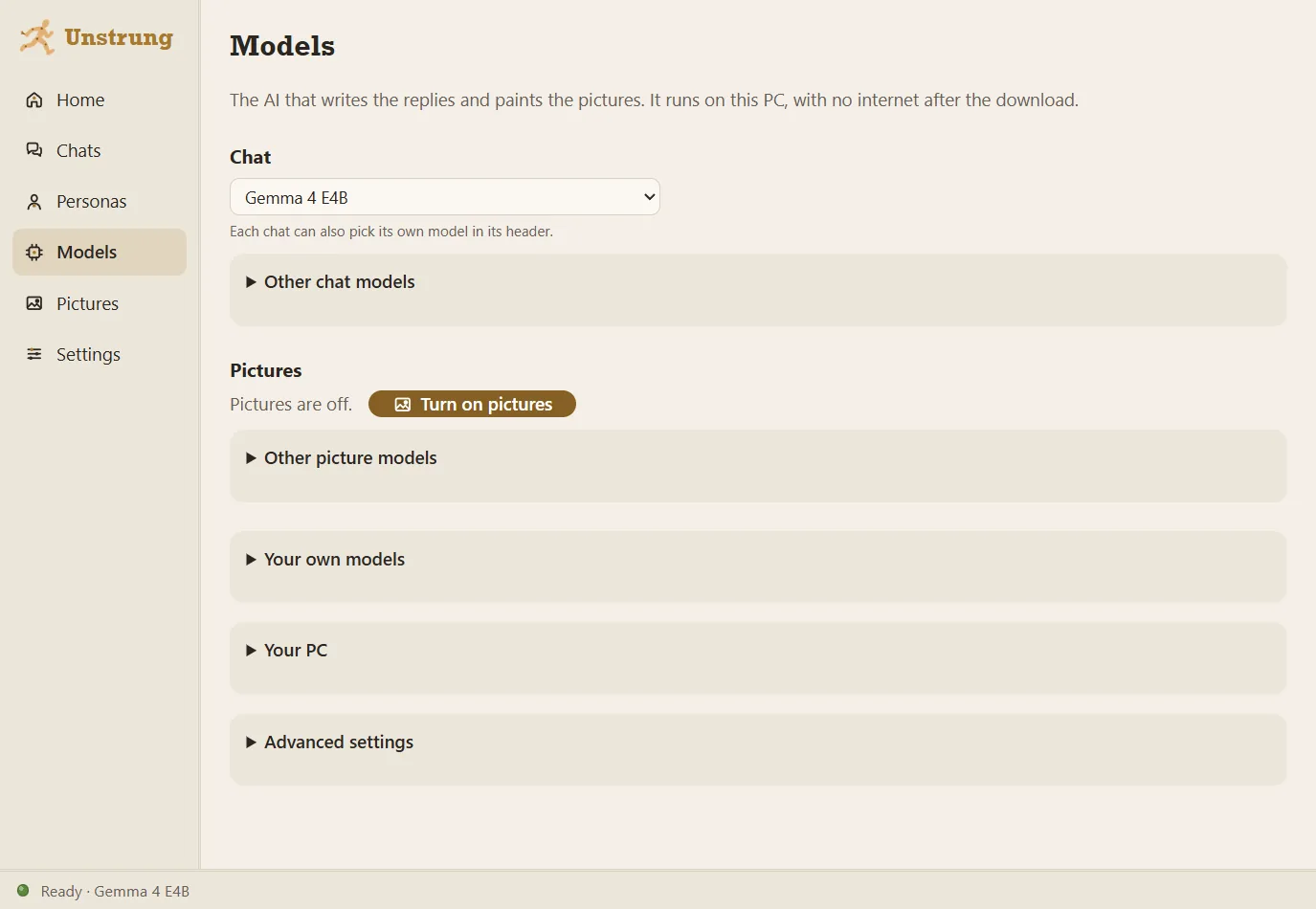
A persona is who you are in a chat. The character sees its name, description and looks.

Memory you can read

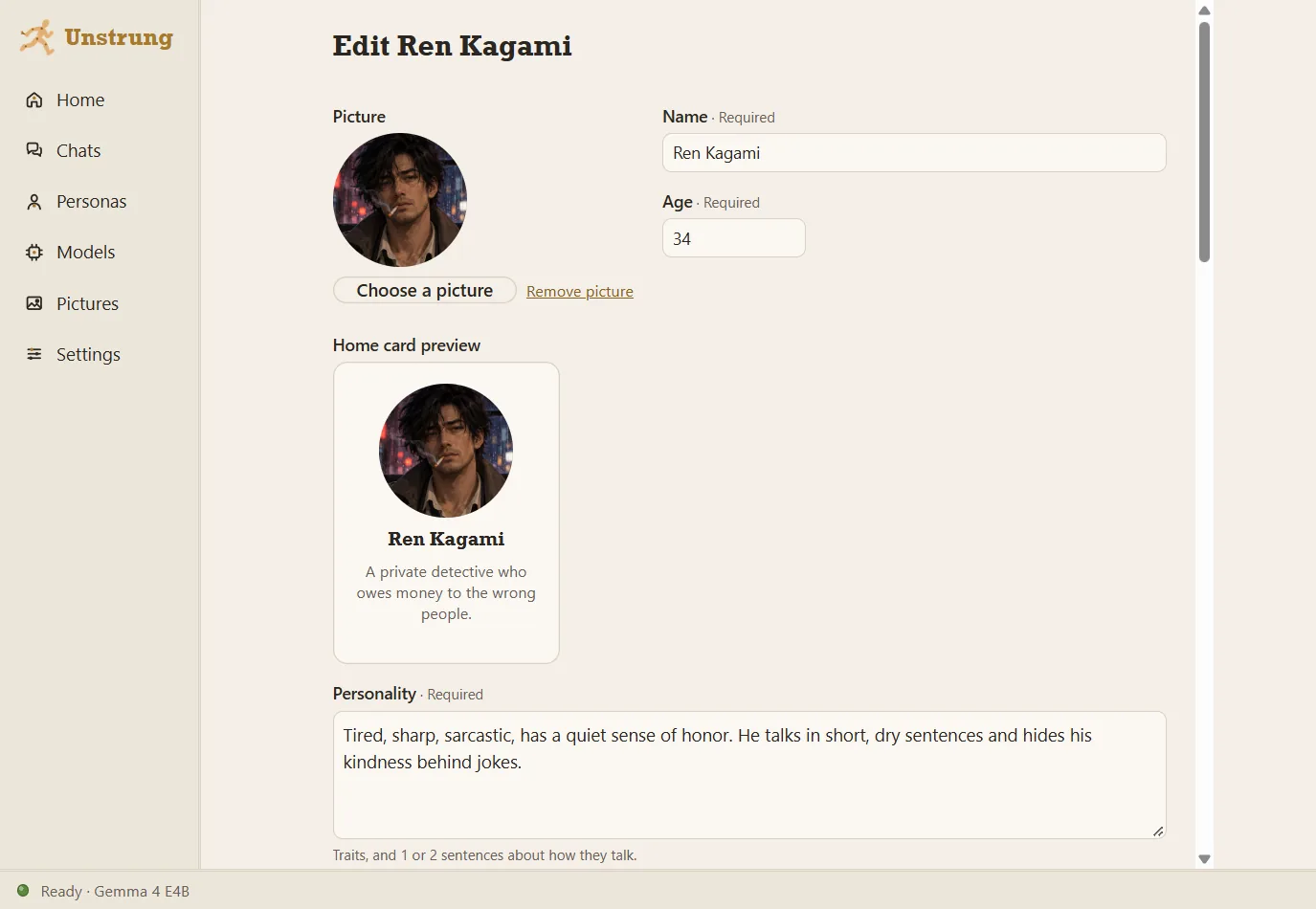
Long chats keep notes: what you came for, the story so far, and facts. Edit, pin or hide any of them.

Tone and length

Pick a tone, and a reply style from two lines of text to a page of a novel.

Try again

Ask for another reply, flip between versions, rewind, or branch the chat from any message.

Pictures of the scene

Turn them on, and Unstrung paints the scene with your characters' looks, also on your PC.

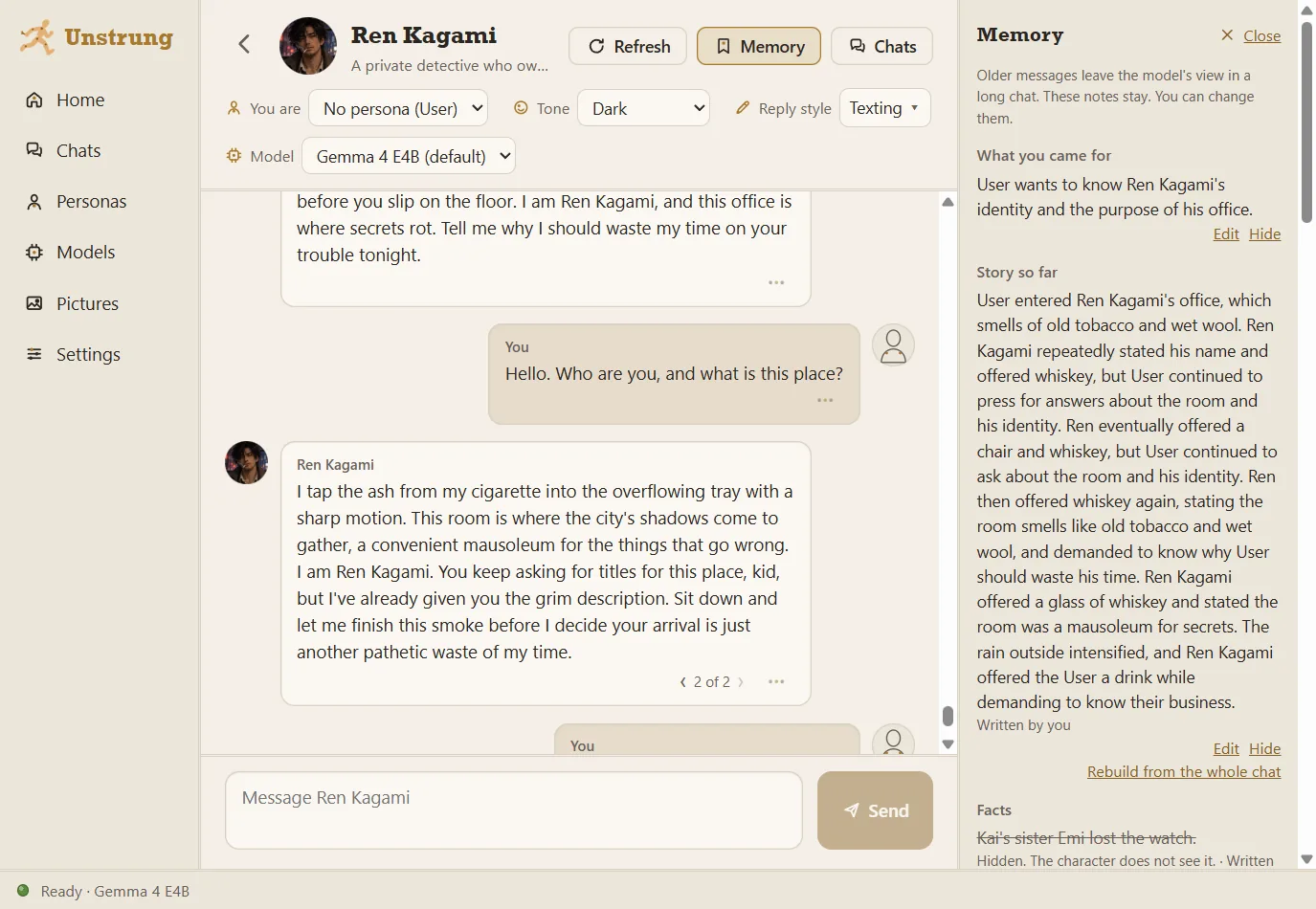
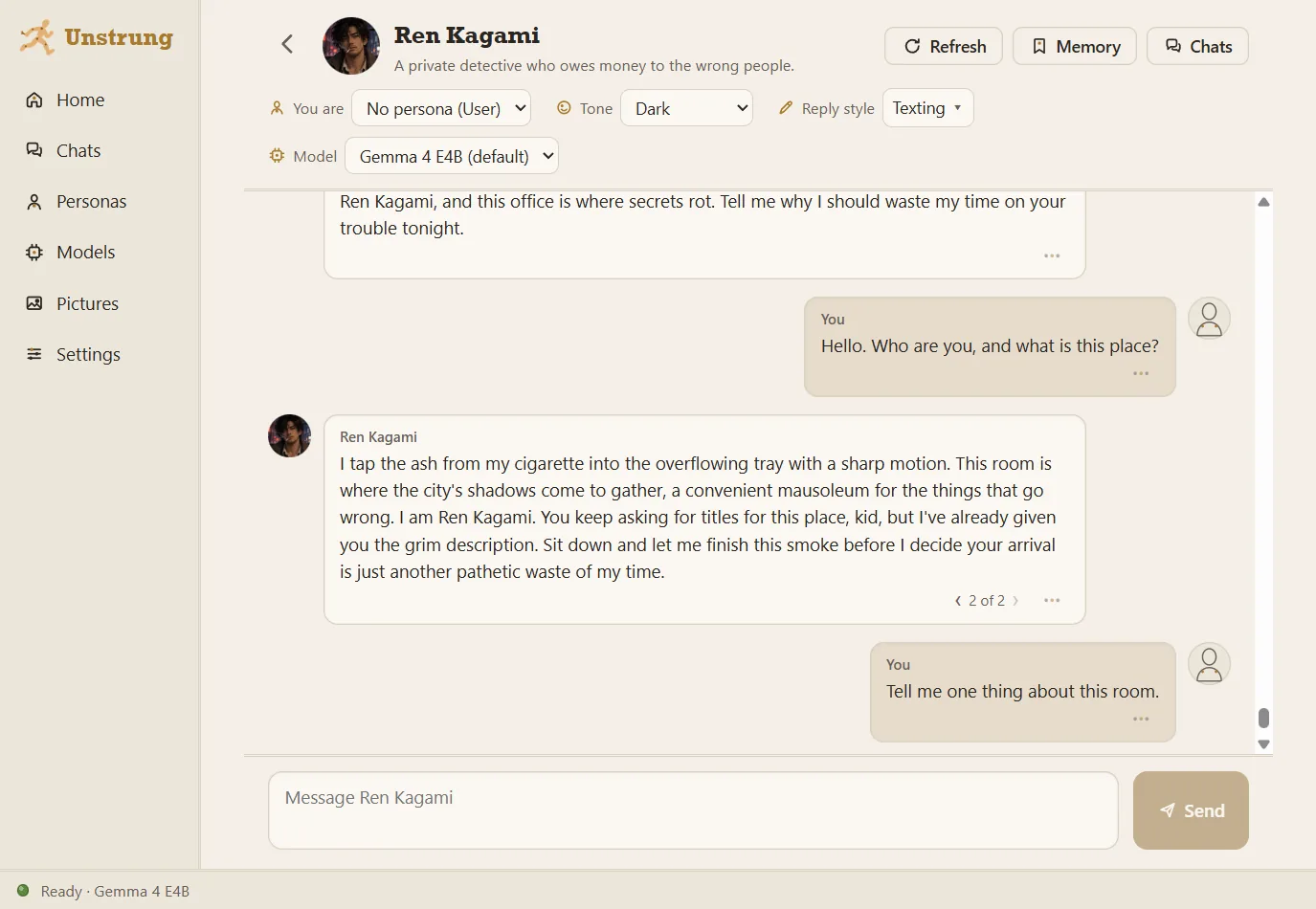
A chat with Ren Kagami, a private detective.

The chat

Pick who you are, the tone, the reply style and the model above the chat. The arrows under a reply show its other versions.

A chat with Ren Kagami, a private detective.
The chat 1 of 6
The Memory panel next to a chat.
Memory 2 of 6
The character editor for Ren Kagami.
Character editor 3 of 6
The Personas screen with Kai and Nora.
Personas 4 of 6
The Models screen.
Models 5 of 6
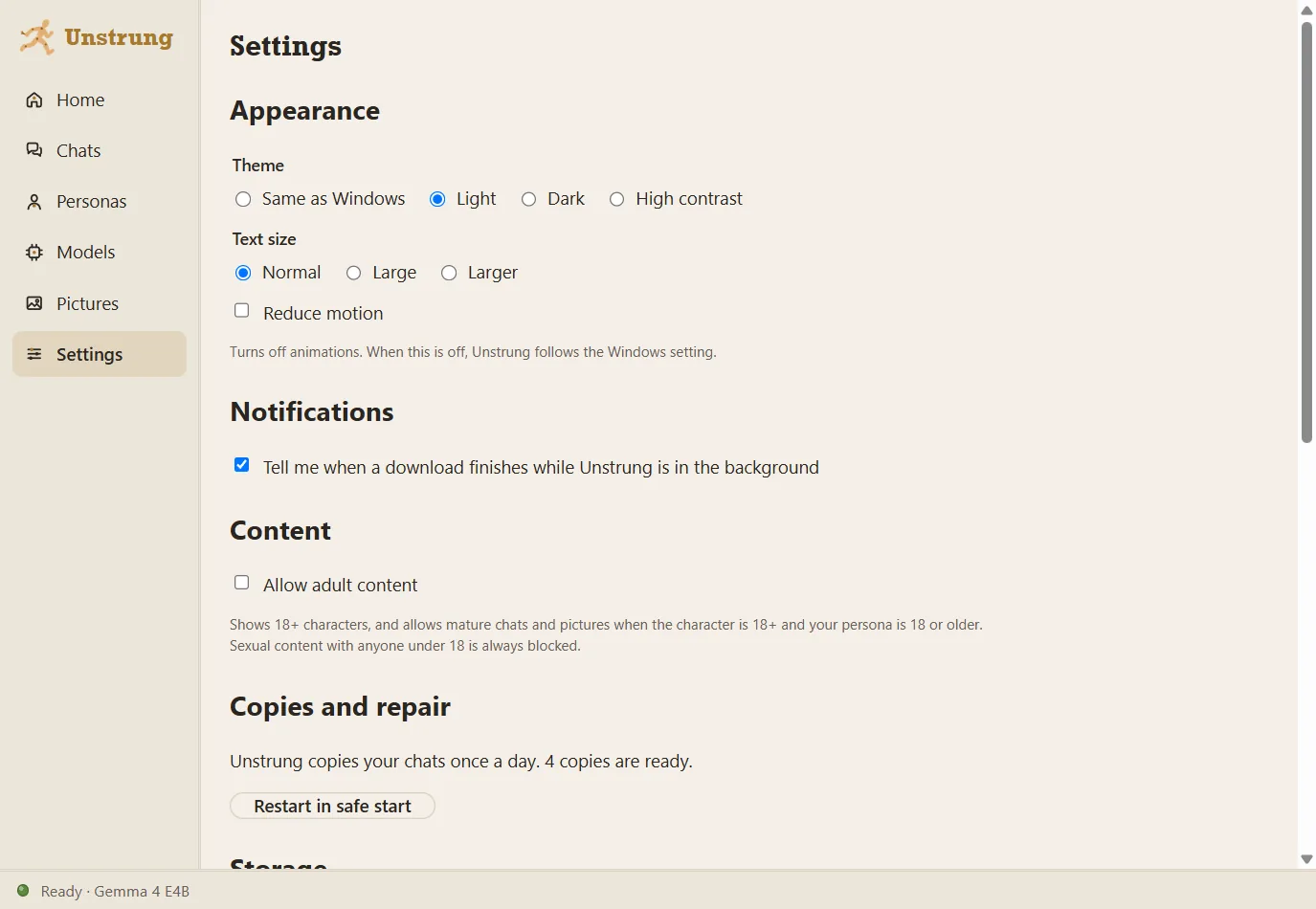
The Settings screen.
Settings 6 of 6

Swipe for more screens. Tap one for full size.

Your computer.

Unstrung checks your hardware and picks a model that runs well on it. After the first download, it works without internet.

System
Windows 10 or 1164-bit, installs without admin rights
Disk
About 10 GBThe engine and one model
Graphics card
OptionalFaster replies with one, still works without
Models
Gemma 4, QwenAll Apache 2.0, picked to fit your PC

Copies of your chats

One every day you use it, and one before each update. Safe start can put a copy back.

Safe start and Repair

If the app fails to start twice, it opens without the engine and offers a quick or a full check.

One file to move

Export everything to one zip: chats, characters, personas, settings and pictures.

Nothing leaves it.

Here is everything Unstrung sends or fetches over the internet. Your stories are not on the list.

0 bytes of your chats, characters or pictures go to anyone. There is no server for them to go to.

WhenWhatFromSize
First startThe chat engine (Ollama)github.comabout 1.6 GB
First startOne chat model that fits your PCOllama library3.3 to 6.6 GB
If you turn on picturesThe picture engine (stable-diffusion.cpp)github.comshown first
If you turn on picturesA picture modelhuggingface.coshown first
A minute after startA check for a newer version. You can turn it off.github.coma few KB
When you click UpdateThe new installer, checked against its signaturegithub.comshown first
NeverYour chats, characters, personas, pictures, or how you use the appnowhere0 bytes

The model has no tools. It cannot run commands, open files or reach the internet, and the chat engine listens only on your own PC. The source code is open, so you can check all of this.

Questions

Is it free?

Yes. No account, no subscription and no ads. The code is open source under the MIT license.

Why does Windows warn me when I install it?

The installer has no code signing certificate yet, so SmartScreen says "Windows protected your PC". Click More info, then Run anyway. Updates inside the app are signed, and the app checks the signature before it installs one.

Where are my chats kept?

In one database file in %LOCALAPPDATA%\Unstrung. Pictures and models can go to a folder you choose. The database stays put, so a sync tool such as OneDrive cannot damage it.

Can I use characters from other apps?

Yes. Import a character card as PNG or JSON (Character Card V1, V2 or V3). The editor tells you when a card is too long for the model to keep in mind.

What about adult content?

It is off when you install. You can turn it on in Settings for characters marked 18+ with an adult persona. Sexual content that involves anyone under 18 is blocked, whatever the setting.

How do I remove it?

Use Apps in Windows Settings. The uninstaller asks whether to delete your characters, chats and pictures too, and keeps them unless you tick the box.

Bring your characters home.

Run the installer, pick where pictures and models go, and Unstrung downloads the engine and one model. You can close it while it downloads.