Browser hardening, and saying what you cannot enforce
A green tick you have not earned is worse than no tick at all.
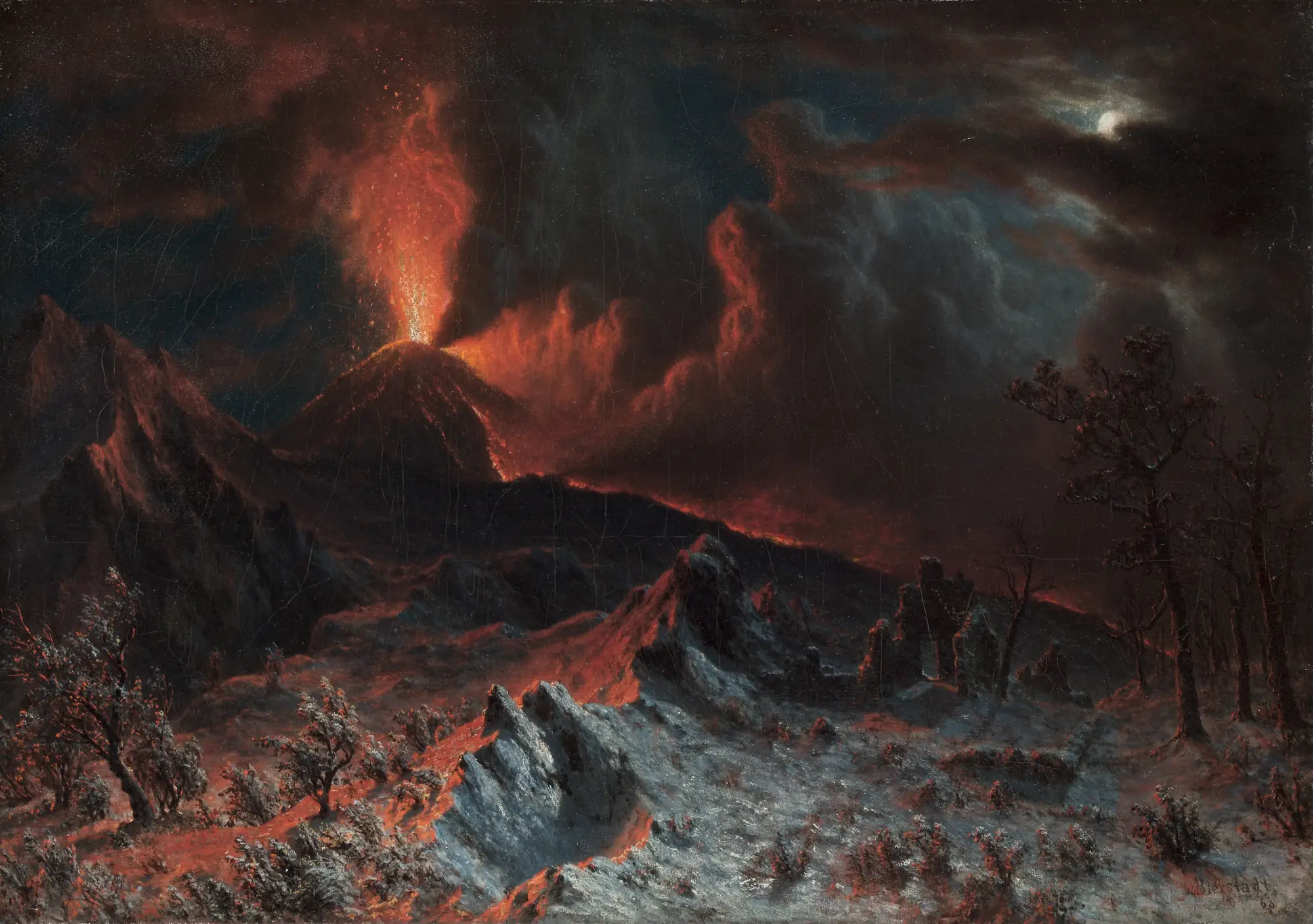
Painting: Albert Bierstadt, Mount Vesuvius at Midnight, 1868. Cleveland Museum of Art, CC0.
Most security software has the same problem, and it is not a technical one. It is that the interface always says yes.
You install the thing. It shows you a list of protections with green ticks beside them. Everything looks handled. What the interface does not tell you is which of those protections is genuinely being enforced right now on your machine, and which one silently failed to apply because a setting was already controlled by something else, or because the process lacked permission, or because your operating system version does that differently.
The green tick is the same either way. That is the actual vulnerability, because a person who believes they are protected behaves differently from a person who knows they are not.
The rule
Bruhswer is built around one rule: verify what it can enforce, and say NOT ENFORCEABLE out loud when it cannot.
It sounds like a small thing, and it changes the whole character of the tool. It means the interface is allowed to disappoint you. It means a claim on screen is a statement about the machine you are sitting at, not a description of what the software intended.
It is also harder to build than the alternative, because it is not enough to apply a setting. You have to go back and check that it took effect, and you have to handle the case where it did not, and you have to be willing to report that failure to the user instead of quietly moving on.
Fail closed, not open
The same idea runs through startup, where it matters most.
When something goes wrong during setup, software has two options. It can fail open, starting anyway in a reduced state, which is convenient and means the user is now browsing with protections they think are on. Or it can fail closed, refusing to start until it is in the state it promised.
Bruhswer fails closed. If the hardened environment cannot be established, you do not get a degraded browser, you get a refusal and a reason.
This is the correct trade for a security tool and it is worth being clear about why. The cost of failing closed is inconvenience. The cost of failing open is that somebody does something risky in a browser they believed was hardened. Those costs are not comparable, so the choice is not really a balance.
What it actually does
Underneath, it is Microsoft Edge, hardened, rather than a browser engine written from scratch. That is deliberate. Writing a browser engine badly is far more dangerous than configuring a well-maintained one carefully, and the rendering engine is exactly the part you do not want a hobbyist inventing.
Network access is restricted by scoping rules through the Windows Firewall, so local network access can be blocked at the operating system rather than requested politely from inside the browser. Downloads go into quarantine instead of straight into your documents, because a download is the most common way something unwanted arrives. Sessions are disposable, so what accumulates during browsing does not persist by default.
And it does not phone home. There is no telemetry. A privacy tool that reports on you is not a privacy tool, no matter how good the reason sounds.
The same honesty problem, in a smaller tool
I ran into a version of this again in Image Protector, which adds controlled distortion to images so they read normally to a person and worse to an automated system scraping or analysing them.
The temptation there is to claim it makes images unusable to machine learning. That would be a lie. It makes them harder to use, against some methods, to a degree that depends entirely on what is being run against them. So the project says that instead. It says it obfuscates against automated scraping and basic analysis, and it does not promise to defeat a determined, well-resourced attacker, because it cannot.
This is the discipline the whole area needs and mostly does not have. Security claims are the easiest claims in software to make and among the hardest to verify, which is precisely why the honest version is worth building. A tool that tells you where its protection ends leaves you able to make a decision. A tool that shows you a green tick has made the decision for you, and it has made it on no evidence.
The work this is about
 bruhswerA hardened wrapper around Microsoft Edge on Windows. It checks its protections before launch and stops if one fails. When it cannot enforce a check, it says NOT ENFORCEABLE. See it in the hall.
 Image ProtectorAdds small, controlled noise to images. People see the same picture. Scrapers and ML models see a worse one.

Computer science student at Vijaybhoomi University and founder of The Pulse Engine. I build local-first, open-source tools. See the portfolio or GitHub.